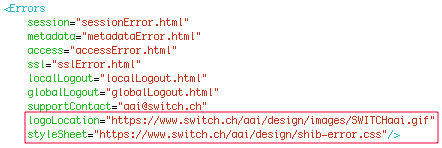
This should then look like this:
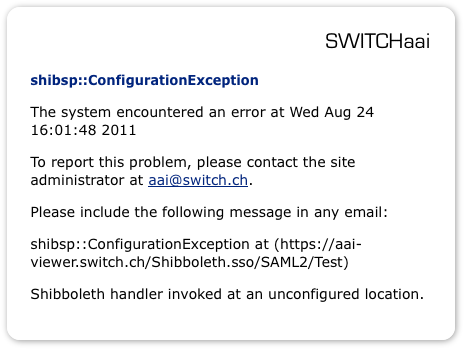
And the resulting messages generated by the Service Provider look like shown in this example:
The goals of these guidelines are:
For Switch edu-ID enabled services refer to the Switch edu-ID Design Guidelines
This should then look like this:
And the resulting messages generated by the Service Provider look like shown in this example: