
How to register for Switch Drive
Step 1
Go to https://cloud-id.switch.ch and log in with your Switch edu-ID username and password. If you don't have a Switch edu-ID account you can create one by pressing the "Create account" button on the login screen.

Step 2
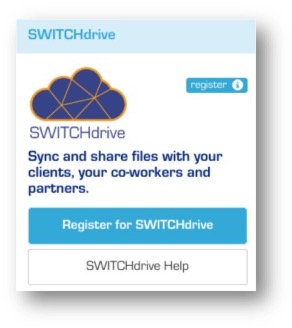
Scroll down and locate the blue, green, orange or red Switch Drive box. When you have just created your Switch edu-ID this box is blue because you have to register Switch Ddrive first. Click on the blue button "Register for Switch Drive". Then accept the terms and conditions of the service and click the register button again.
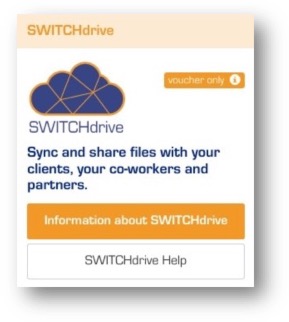
If the button is orange, you need a Switch Drive Voucher to use the service. Please contact your organization administrator to get such a Voucher.
If the button is red, you have not linked your Switch AAI Account to your Switch edu-ID or your institution has not subscribed to Switch Drive. Unfortunately you can not use Switch Drive. You can find a list of participating institutions here.
Step 3
After you have successfully registered, the Switch Drive box turns green and you are able to use Switch Drive without any restrictions.
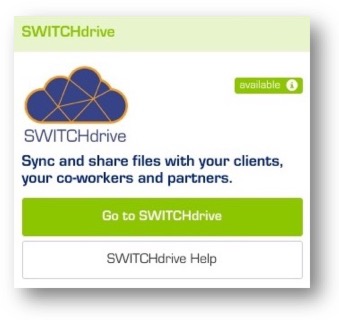
Click on the green button "Go to Switch Drive" or open a new webbrowser and login to your Switch Drive account. You can also use the Switch Drive desktop client (download it from here) which synchronises your documents in the background. Enter the same Switch edu-ID credentials from step 1 to login to Switch Drive.